
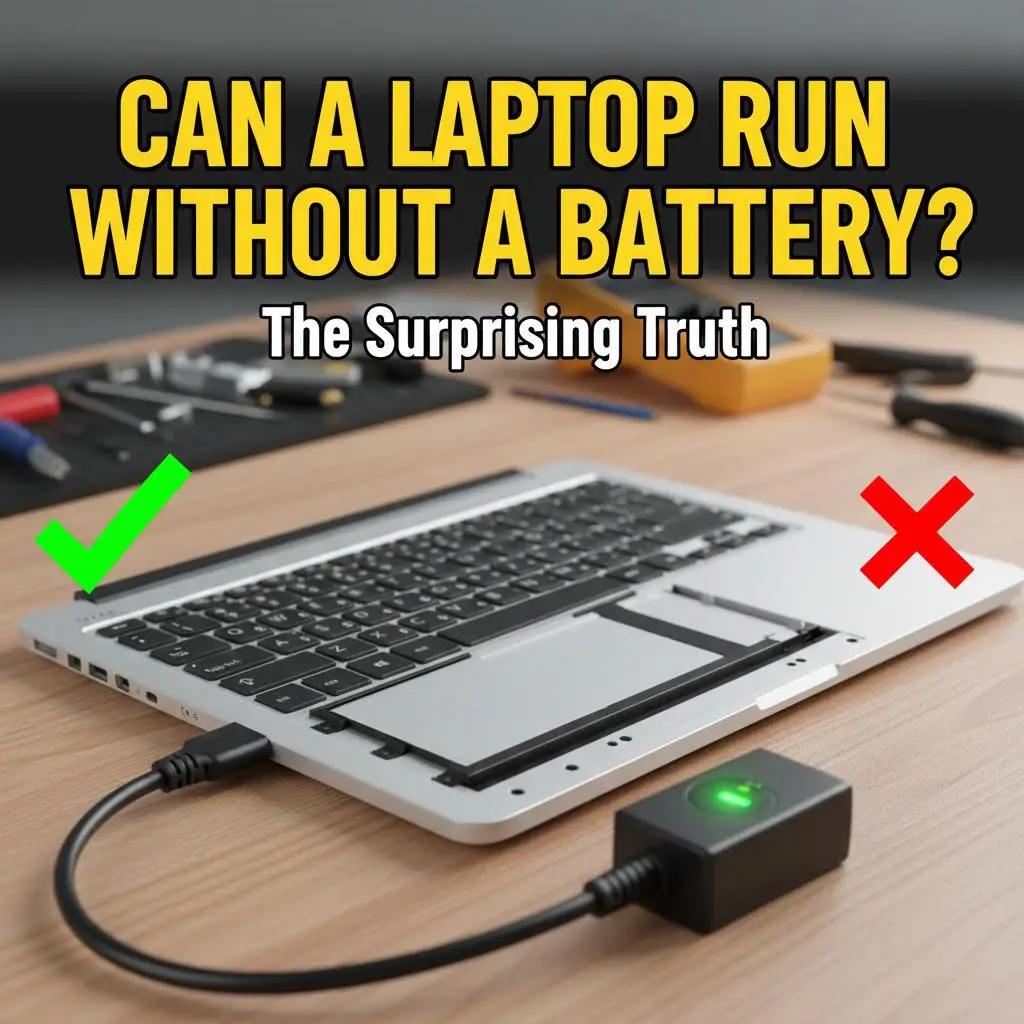
Have you ever dealt with a swollen laptop battery or one that’s refusing to hold a charge? You’re not alone—many users wonder: can a laptop run without a battery? The short answer is yes, most modern laptops can operate perfectly fine plugged directly into AC power. But there are caveats, risks, and best practices to know.
In this guide, we’ll break it down step-by-step: how it works, when it’s safe, potential downsides, and tips to do it right. Whether you’re troubleshooting or just curious, stick around for practical advice tailored to 2026’s tech landscape.
How Does a Laptop Work Without a Battery?
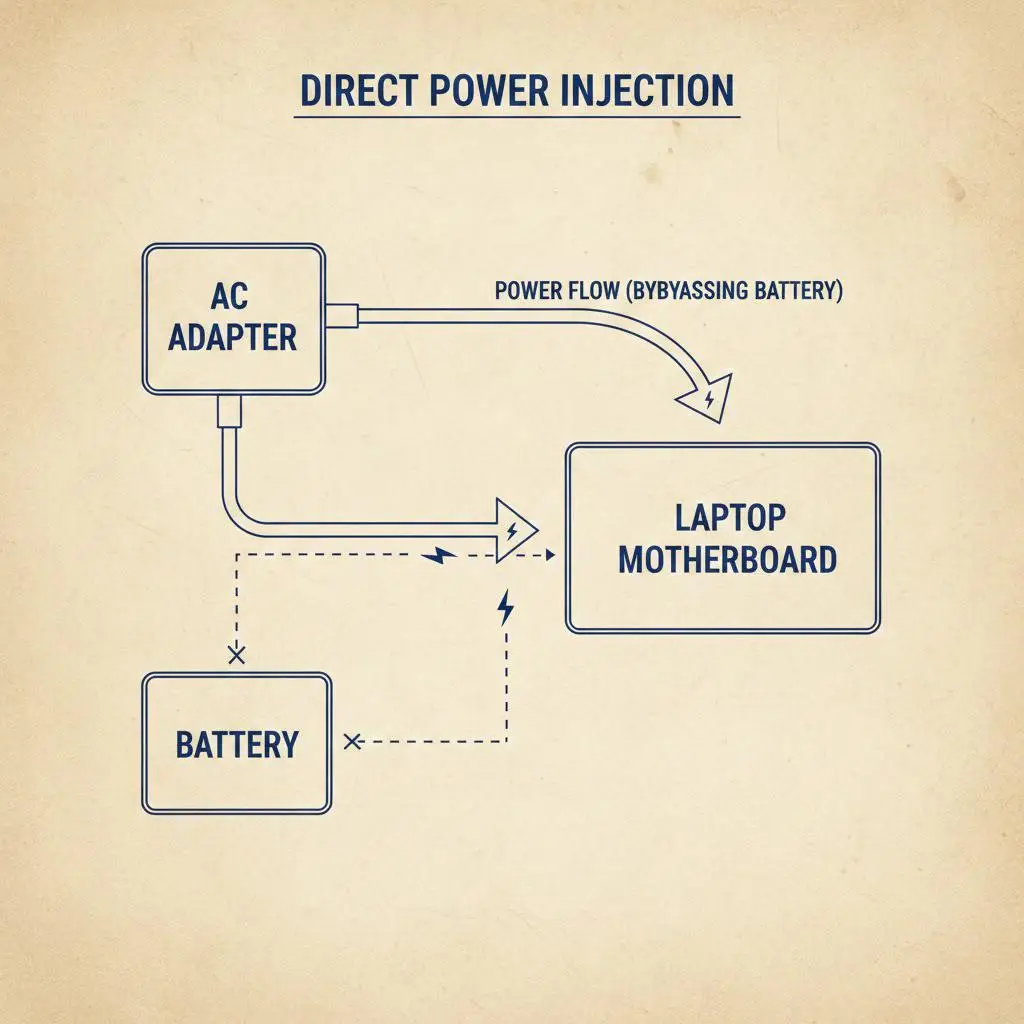
Laptops are designed with modular power systems. The battery acts as a portable power source, but the motherboard and power circuitry can draw electricity straight from the AC adapter (charger).
The Basics of Laptop Power Flow
When plugged in:
- The AC adapter converts wall power (e.g., 110-240V) to DC power (typically 19-20V).
- This DC power bypasses the battery and feeds directly to the motherboard.
- No battery? No problem—the laptop treats the charger as the primary source.
Most laptops from brands like Dell, HP, Lenovo, and Apple (post-2010 models) support this. Older models might shut down without a battery due to outdated firmware.
Explore AI’s role in modern laptops – See how smart power management enhances battery-free operation.
Is It Safe to Run a Laptop Without a Battery?
Yes, it’s generally safe for short-term use, but long-term? Proceed with caution. Here’s why:
Pros of Ditching the Battery
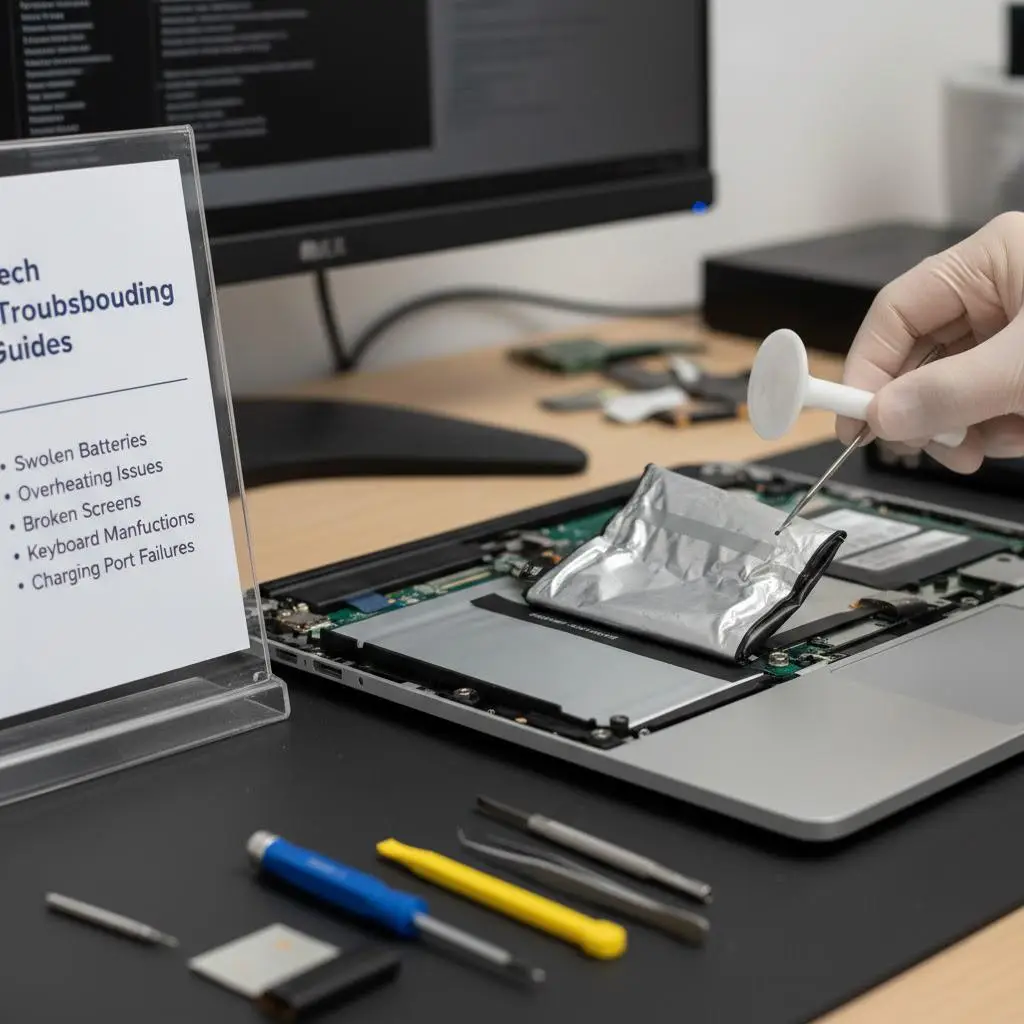
- Prevents damage: Swollen or faulty batteries can leak or explode—removing it eliminates the risk.
- Cooler operation: No battery means less heat buildup during heavy tasks like gaming or video editing.
- Cost savings: Avoid buying a replacement battery (often $50-150).
Cons and Risks
- Power interruptions: If the charger cable wiggles loose or the outlet fails, the laptop shuts down instantly—no graceful save like with a battery buffer.
- No backup power: Useless for travel or outages.
- Warranty voids: Some manufacturers (e.g., certain gaming laptops) require a battery for full warranty coverage.
- Overheating potential: Without battery regulation, the PSU works harder—monitor temps with tools like HWMonitor.
Pro Tip: Test stability first. Plug in, remove the battery, and run a stress test (e.g., Prime95) for 30 minutes.
Step-by-Step: How to Run Your Laptop Without a Battery
Ready to try? Follow these safe steps. Always power off and unplug first.
- Check compatibility: Consult your model’s manual or manufacturer’s site (e.g., Dell Support). Search “run [model] without battery.”
- Gather tools: Phillips screwdriver, anti-static wristband (optional but smart).
- Open the laptop: Remove the bottom panel (usually 8-12 screws).
- Disconnect battery: Gently unplug the battery connector from the motherboard—don’t yank wires.
- Reassemble and test: Plug in the charger, power on. If it boots, you’re good.
- Monitor performance: Use Task Manager (Windows) or Activity Monitor (Mac) to watch CPU temps.
For MacBooks (2016+ with USB-C), it’s trickier—no user-removable battery. Skip to software limits instead.
History of laptop evolution – How power tech has changed since the 90s.
Troubleshooting Common Issues
- Won’t turn on: Reseat the charger or try a different outlet/adapter.
- Flickering screen: Faulty DC jack—consider professional repair.
- Overheating: Elevate the laptop for airflow or undervolt the CPU.
When Should You Avoid Running Without a Battery?
Not all scenarios suit battery-free mode:
| Scenario | Battery Recommended? | Why? |
|---|---|---|
| Travel/Commutes | Yes | No outlet access means no power. |
| Gaming Sessions | Sometimes | Instant shutdowns mid-game = frustration. |
| Critical Work (e.g., deadlines) | Yes | Data loss risk from power blips. |
| Desk Setup (8+ hours) | Yes (optional) | Stable, but add a UPS for safety. |
| Old Laptops (pre-2010) | No | Firmware may require battery presence. |
AI tools for gamers – Optimize performance even without a battery.
FAQs: Can a Laptop Run Without a Battery?
Does every laptop support this?
No—check your manual. Gaming rigs and ultrabooks often do; enterprise models vary.
Can I charge without a battery?
Yes, but pointless—the charger powers directly.
What if my battery is glued in?
Use iFixit guides for safe prying. Pros recommend full replacement.
Is it bad for the motherboard?
Rarely, if using the original charger (right voltage/amperage).
Deep dives into AI hardware – Future-proof your setup.
Final Thoughts: Battery-Free for Convenience or Crisis?
A laptop can run without a battery reliably on AC power, making it a smart fix for dead cells or swelling. Just weigh the risks, follow our steps, and pair with good habits like surge protectors.
Got a swollen battery story? Share in the comments!
Subscribe to ThinkAIWorld for more tech insights – Stay updated on AI and gadgets.














Leave a Reply