
Maybe.
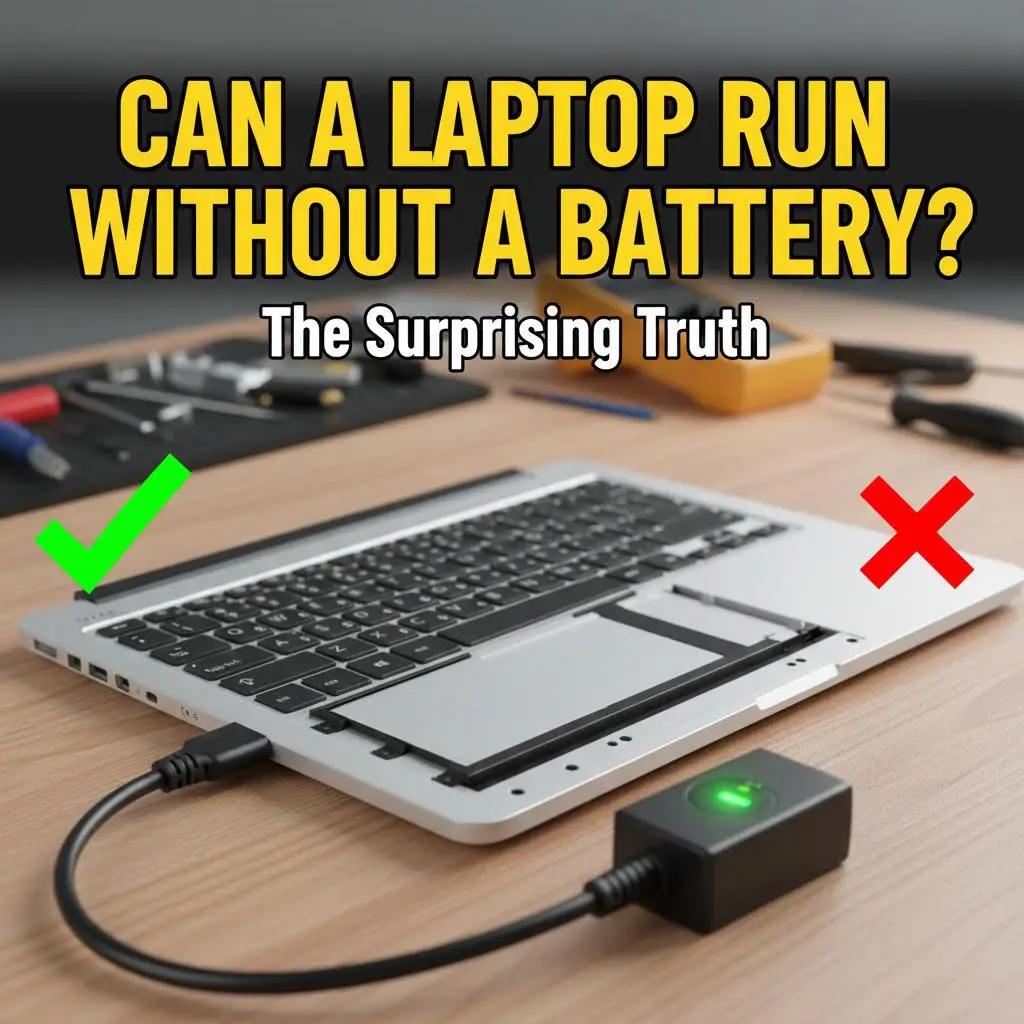
Older computers, sure… but I’ll tell you a secret. That power brick that you see there, that people call “charger”… it’s not a charger. Sure, it can charge the battery, but it’s a full blown power supply able to run the computer just dandy with no battery. As long as the computer’s power management circuit — all software — is okay with there being no laptop battery, you’re good.
You should be. Going back awhile, every laptop shipped with a power brick that could meet the peak demand of the laptop. So when attached to external power, the battery is either just sitting there or, if there’s power to space, the battery will be charging.
It’s a bit different with smartphones, but I’ll let you in on a little secret: your phone “charger” is also just a power supply. It doesn’t do any charging — your phone’s power management circuit contains the charger. A modern phone powered over the Type-C jack probably supports USB Power Delivery, which means that the power supply can be a “smart” supply that negotiates power levels with the phone, to deliver much faster charging than in the past.
There’s no intention in any given phone setup anymore for the power brick to be able to run the whole phone. Going back in time, that was actually impossible. When we all moved to USB for charging, chargers could deliver only 2.5W by spec, not even close enough to run your phone. So, as with any USB device that charges from a USB power supply of some kind, they got smart power management systems. Those systems could maybe run the phone from the power supply and use what’s left over for charging the battery — that’s why phones usually charge faster if you shut them off.
But if the phone was doing hard work, the power supply couldn’t supply all the power. So the power management system would use the power supply first, but also draw power from the phone’s battery. A few times in those days I drove from Jersey to Florida or back with my phone working as SatNav and entertainment system… a fully charged phone on my best charger wouldn’t last the trip, but it did go much farther than with no power supply. Today I have a 65W Type-C power dongle in my car… I don’t know what the peak power for the Google Pixel 8 Pro is, but I’m always getting a good charge, even though I’m probably still using the phone for entertainment and SatNav.
Some years back, cheap laptops started shipping with cheap power supplies too weak to meet their peak demands. You could run the laptop from that power brick, and in fact, if you plugged in, just like laptops that had sufficient external power, it’s either charging the battery or not, but never running external power and battery at the same time. It came out among the computer nerd communities that a few laptops actually ran heavy loads faster when you unplugged them, but it proved true. That’s the thing: it was the sophisticated power management that lets you laptop run a long time from your battery that also allows the computer to “throttle down” when on external power, if necessary.
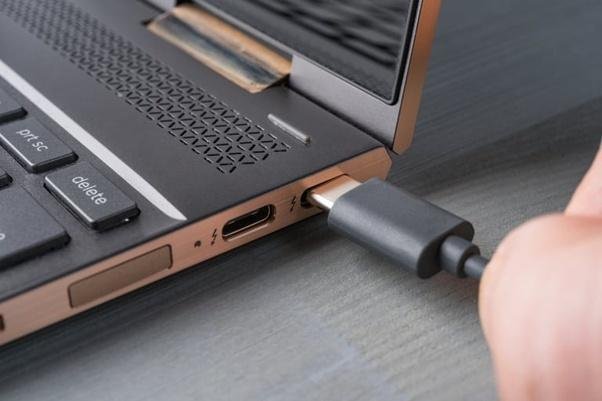
These days, new laptops increasingly use Type-C for charging, like your phone. The one you see here, much like the Dell “Workstation” laptop I’m typing this on, has Thunderbolt 3 or 4 ports. You can feed power into or get video out of any Thunderbolt port… it’s basically USB 4 with all of the features implemented.
My laptop will complain if I try to feed it power that’s not the 100W it wants. It does work on those power bricks, and it does charge, but the charging will be slow. Since Type-C power bricks have so many variations, it’s a certainty that some laptops won’t run battery free on some power inputs. It’s also unlikely you’ll ever really know, since removable batteries are a thing of the part.
That said, my laptop anyway is pretty stupid about PD power devices. I usually have it connected to two devices, either of which can support 100W PD: a monitor and a breakout box. The monitor basically acts like another breakout box, but it’s also functioning as a KVM switch between the laptop, my work computer, and my home desktop system. Tragically, when I switch off of Type-C video to the DP out of my PC, the monitor also switches off the 100W power to the laptop… what was Samsung thinking? It’s not like I actually unplugged the laptop! The problem is that it doesn’t automagically switch to the other PD device, though it should. So sometimes I get no charge at all 🙁 All this sophistication seems to have created problems the original inventors of these things don’t seem to have properly considered.
It’s also possible for your computer to hook up to a PD device that’s too low power to keep it happy. It may charge, but it won’t even try to boot up with such a device. It’s entirely up to the device’s power management system to decide. This also isn’t new… the first smartphone I had that supported the USB Battery Charging standard — 7.5W over a dedicated charging port — refused to run from the old USB data port’s 2.5W output.
Write By: Dave Haynie














Leave a Reply